
We gave our AI agent its own computer. Now we're not sure we need ours.
A few months ago, inspired by Ramp's Inspect, we built our own agent sandbox. It took us a couple of days, during the breaks while waiting for Claude Code to finish. Now I don't need my laptop to work at Conduct anymore. Every PR I've shipped since has been written and tested by an agent, running on a machine that didn't exist an hour earlier and won't exist an hour from now.
Sandboxes
Sandboxes are isolated virtual machines that can be brought up and torn down on demand almost instantly and at very low cost. Instead of setting up a new Git worktree and spawning an agent locally, you create a whole new computer in seconds and run the agent there. This buys you a few things:
No interruptions
Unlike agents we run locally on our computers, sandboxed agents can run with --dangerously-skip-permissions. It’s fine if an agent deletes the root directory: the worst thing it can do is shut itself down (unless it’s Mythos). Giving an agent all permissions allows it to work until it’s done, without ever stopping to request user’s approval to run a command. This unlocks agents that can run completely independently, even whilst we sleep.
Parallelism
When multiple agents are running on the same machine, they compete for common resources – RAM, CPU, ports, caches. Unaware of each other, they often run into conflicts, get confused, and interfere with each other’s work. This is especially noticeable when agents try to verify their work by running the Conduct app, but then create port conflicts and end up killing each other’s apps. With sandboxes we run each agent on its own machine, so there’s no room for conflicts to occur.
Verified work
We have full control over the contents of the sandbox, and we make sure the agent has all the development tools and context it needs to verify its own work. The agent can run the entire Conduct stack — its own fully functional copy of the Conduct app, including the database populated with realistic data, queues, background workers and frontend. Same goes for all kinds of tests, from unit tests to end-to-end tests using Playwright. The agent can even take screenshots and recordings, and put them in the PR description.
And if you (or your reviewer) don’t trust the agent, you can verify its work too. Just ask the agent to launch the app and click around yourself. The app runs on the sandbox and is available to everyone in the team through a secure VPN. The database is populated with realistic data, letting us test complex scenarios without ever having to deploy to prod or pull the changes onto our computers.
No hassle
Sandboxes take away the hassle of managing multiple code repositories. Installing dependencies, switching branches, cleaning caches and unstaged files – it gets tedious very quickly. Our sandboxes start with most dependencies preinstalled. When they come online, they automatically install the remaining dependencies and clone a fresh copy of your codebase. Each sandbox has its own copy of the repository, not a Git worktree, so you will never see this error message:
Our agent
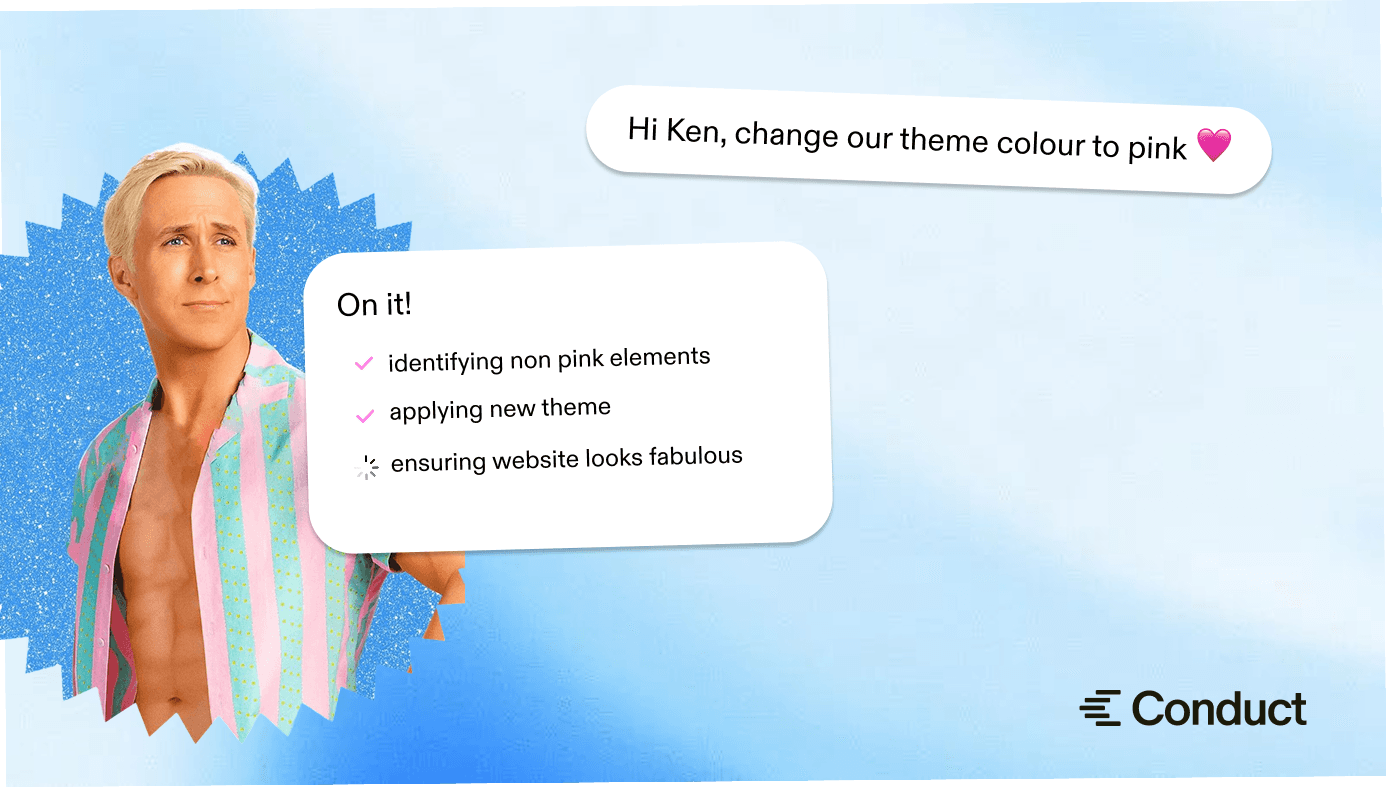
We knew we would be saying our agent’s name so often that it needed to roll off the tongue. “Coding agent”, “Claude Code” or “assistant” were out. We went with Ken. I think it fits perfectly: there’s so many of him, they’re all identical, and I get to be Barbie.
Here’s Ken’s tech stack:
Hosting
We copied Ramp’s setup shamelessly, starting with Modal for hosting sandboxes. Modal is very simple to use. To start, you just need two files: a Dockerfile defining your sandbox's contents and a script for launching sandboxes. They have a free tier with enough credits to power a personal project, so I recommend trying it out.
The custom Dockerfile is what makes sandboxes powerful: you can install any development tools you want. For example, Conduct developers can use any coding agent they want. If someone wants to use pi, they just add a line to the Dockerfile. We preinstall everything a real developer needs: Git, a Postgres database with a web viewer for inspection, a Temporal server for background jobs, Redis, fnm for installing Node, and SDKMAN for installing Kotlin. Modal caches the Docker images, so each subsequent sandbox start is instant.
At startup, the sandbox runs a second script that pulls in whatever can't be cached: a fresh copy of our codebase and its dependencies. The script also starts an OpenCode server and all the services powering our app – Postgres, Temporal workers, frontend and backend servers. When the agent starts, everything it needs is already running.
Usage
Conduct developers launch Kens with a CLI. Modal has TypeScript and Python libraries that let you define how you launch your sandbox. We have a set of custom scripts for managing the sandboxes, which take care of respecting each developer’s agent configuration and access tokens. It’s as simple as:
Agent harness
We use OpenCode because of its flexibility, including the client-server architecture and compatibility with different LLM providers. The client-server architecture allows you to connect to the agent from the browser from any device. If you open the frontend app view in another tab and squint, it kinda looks like an IDE.
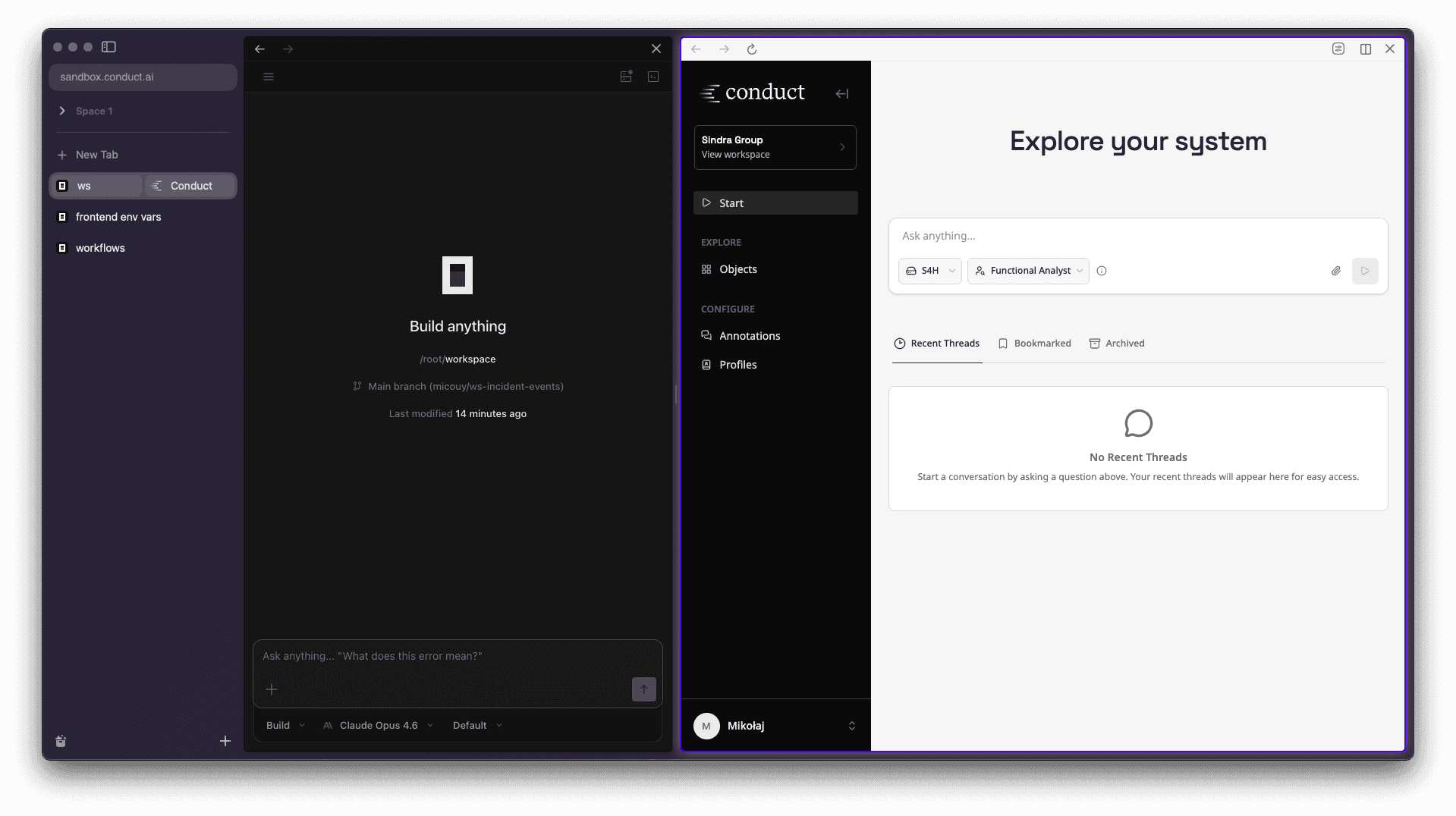
Connecting from the browser is an easy way for non-developers to interact with a coding assistant. It works even from your phone, and the UX is also objectively superior to terminals…
Networking
Sandboxes contain and connect to sensitive information and intellectual property like database seeds or our GitHub repository, so all inbound access must be authenticated.
In principle, an agent can run fine without any inbound access – we could just send a prompt during sandbox creation and wait for the agent to post a pull request. In practice, to use the sandbox to its full extent it is very useful to be able to access the services running inside – the agent, the Conduct app, Temporal dashboard, Postgres viewer.
Modal has a solution for exposing the services running in sandboxes to the internet called “tunnels”. They are not tunnels in the traditional sense: the sandbox is publicly available on a random URL generated by Modal. Relying on the URL being unguessable would be a security risk.
SSH port forwarding offers more security but it’s inconvenient to use. It requires keeping a live SSH connection open for the entire coding session, and reopening it every time it dies (for example when you close your laptop).
We chose to expose sandboxes through our Tailscale private network. We use Tailscale for authentication in all of our internal services. To connect a sandbox to our tailnet (a Tailscale network), we just install and run a Tailscale server inside it. The sandbox registers with a single-use, short-lived token. It only takes a couple seconds – once it’s registered, anyone in the team can connect to it without any additional configuration.
We ensure each device on the tailnet has only the necessary access. For example, any employee can access any sandbox, but Kens can't talk to other Kens – that would be just too much.
Challenges
Building sandboxed agents is not that complicated, especially when you use a platform like Modal. They work very well out of the box. The biggest challenge is not the agent itself, it’s secure access to all needed data.
Slack, Linear, Notion – each connected service requires its own installation, API tokens and the right permissions. Some need to be tied to a specific user or authenticated through the browser. Each integration is its own feature, requiring developer time. Slack was the most recent addition, and it's still rough – right now you can prompt Ken from Slack, but he can't reply in a threaded conversation.
Each sandbox also needs data to seed the database. Testing the app end-to-end means having realistically complex data to test against. At the same time, as a third-party processor, Modal must not see any customer data. We solve this by running our real ingestion pipeline against SAP systems we own – the same pipeline we would use for a customer. We have both a legacy SAP system and an S/4HANA system, each with enough custom code, configuration, and table data to simulate the kinds of environments we see in practice. Ken sees data shaped exactly like production, and no customer data ever leaves our systems.
Kens are great, but they offer a very different paradigm for working with software. Even compared to local agents, more responsibility and decision-making power is deferred to the agent. This can become somewhat of a black-box, which isn’t useful when Ken inevitably gets stuck or nestles a bad design decision inside a lengthy diff… Improving the interface between devs and agents, including cloud agents, takes continuous deliberate effort.
Welcoming Ken into the team
Ken very quickly went viral in our team. The growth has been completely organic – it’s just so easy to create a new, clean machine. It made our work much more parallel. It also lowered the barrier for running experiments – now instead of debating multiple ideas, we can just implement all of them and see what works best.
The sandbox acts not only as a development environment for the agent, but also as a preview build of our app, accessible to everyone in the team. It makes code review easier and more effective – we can test a full running app, with migrations applied and real data to test on, without having to go through the hassle of running the change locally.
Here’s what my colleague who joined recently thinks about Ken:
I haven't been able to get Ken to work this week and not to be dramatic, I was sad. I know worktrees are an option, but it is much less overhead to track and maintain things going on in different sandboxes as compared to worktrees. I feel like Ken has been a blessing for my productivity.
Ken was too good to gatekeep for developers only, so recently we also added Ken to Slack. This way everyone in the team can make changes to the codebase, allowing our product and sales teams to implement customer feedback immediately and freeing engineering capacity. Within a few weeks Ken’s share of merged pull requests went up to 20% – all signed by Ken himself.

Personally, I no longer code on my computer. Every single PR I made in the past weeks was done by Ken. I’m considering ditching my MacBook and getting this beauty…